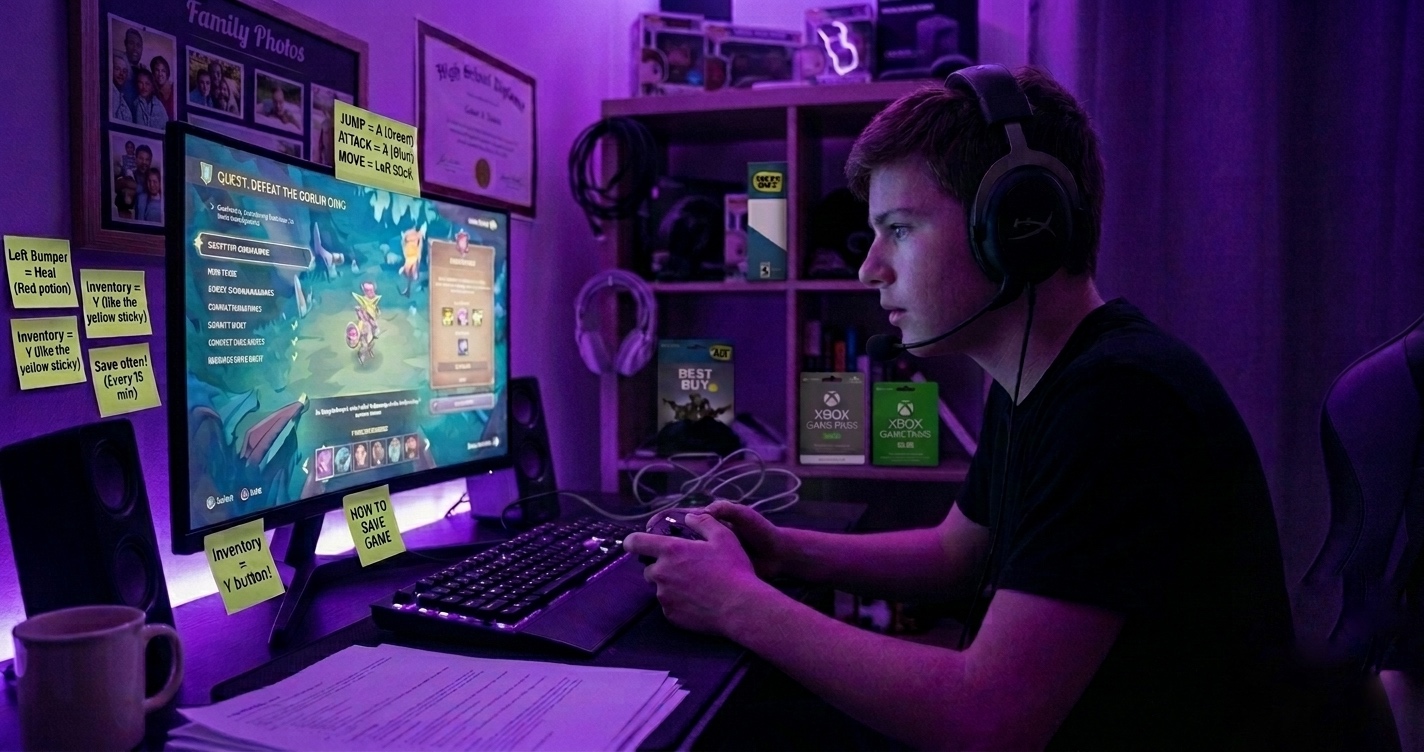
Whether you’re new to gaming or just tired of nodding along when people throw around terms you don’t fully understand, this guide is for you. We’re going to break down the most common gaming and PC terms in plain, simple English.
Performance Terms
FPS — Frames Per Second
FPS measures how many individual images (frames) your screen displays every second. The higher the FPS, the smoother the game looks and feels.
Simple Analogy: Think of a flipbook. The more pages (frames) you flip per second, the smoother the animation looks. 30 FPS is like flipping slowly. 144 FPS is like flipping so fast it looks like real life.
- 30 FPS — Acceptable on consoles, can feel slightly choppy
- 60 FPS — The standard for smooth gaming
- 144 FPS+ — Preferred by competitive gamers for ultra-smooth gameplay
Resolution — How Sharp the Image Is
Resolution refers to how many pixels (tiny dots of color) make up the image on your screen. More pixels = sharper, more detailed image.
| Resolution | Pixel Count | What It Means |
| 1080p (Full HD) | 1920 x 1080 | Standard quality — looks great on smaller screens |
| 1440p (2K) | 2560 x 1440 | Sharper and detailed — popular with PC gamers |
| 4K (Ultra HD) | 3840 x 2160 | Stunning quality — needs powerful hardware |
Ping — Your Connection Speed to the Game Server
Ping (also called latency) measures how long it takes for your device to send a signal to the game server and get a response back. It’s measured in milliseconds (ms).
Simple Analogy: Imagine shouting a question across a room. If the person answers instantly, that’s low ping. If there’s a delay before they respond, that’s high ping — which causes lag in games.
- Under 30ms — Excellent. You won’t notice any delay.
- 30ms–60ms — Good. Totally fine for most games.
- 60ms–100ms — Noticeable in fast-paced games.
- 100ms+ — High lag. You’ll feel it, especially in shooters.
Lag — When the Game Feels Slow or Delayed
Lag is the frustrating delay between pressing a button and seeing the action happen on screen. It can be caused by high ping (bad internet connection), low FPS (weak hardware), or an overloaded game server.
Hardware Terms
GPU — Graphics Processing Unit
The GPU (also called a graphics card or video card) is the part of your PC or console responsible for rendering everything you see on screen — the characters, environments, shadows, explosions, and visual effects.
Simple Analogy: If your PC were a painting studio, the GPU is the artist. The better the artist, the more beautiful and detailed the painting (your game visuals).
Popular GPUs in 2026: NVIDIA RTX 4060, RTX 5070, AMD Radeon RX 7600, RX 9070.
CPU — Central Processing Unit
The CPU is the brain of your computer. It handles all the calculations that aren’t about graphics — like game logic, AI behavior, physics, and running your operating system.
Simple Analogy: If the GPU is the artist painting the picture, the CPU is the director telling the artist what to paint and managing everything else happening in the studio at the same time.
Popular CPUs in 2026: AMD Ryzen 5 9600X, Intel Core i5-15400F.
RAM — Random Access Memory
RAM is your computer’s short-term memory. It temporarily stores data that your CPU and GPU need right now — like the part of the game world you’re currently in.
Simple Analogy: RAM is like your desk. The bigger the desk, the more things you can have spread out and ready to use at once. A small desk (low RAM) means you’re constantly putting things away and getting them back out — which slows you down.
- 8GB RAM — Minimum. You’ll notice slowdowns in modern games.
- 16GB RAM — The sweet spot for gaming in 2026.
- 32GB RAM — Ideal for heavy gaming, streaming, and multitasking.
SSD vs HDD — Storage Types
These are the two main types of storage where your games and files are saved.
| Type | Full Name | Speed | Best For |
| HDD | Hard Disk Drive | Slow | Cheap bulk storage for old files |
| SSD | Solid State Drive | Fast | Your OS and main games |
| NVMe SSD | NVMe Solid State Drive | Very Fast | Best gaming experience in 2026 |
Gameplay Terms
K/D Ratio — Kill/Death Ratio
In shooter games, your K/D ratio compares how many enemies you’ve eliminated (kills) to how many times you’ve been eliminated (deaths). A K/D above 1.0 means you’re getting more kills than deaths.
Respawn — Coming Back to Life After Dying
When your character dies in a game and comes back to life, that’s called respawning. Some games have unlimited respawns, others give you a limited number, and some (like battle royales) mean one death = you’re out.
Nerf & Buff — Making Things Weaker or Stronger
When game developers update the game and make a weapon, character, or ability weaker, that’s called a nerf. Making something stronger is called a buff. These happen in patches (game updates) to keep the game balanced.
GG — Good Game
Typed in the chat at the end of a match to show sportsmanship. “GGWP” means “Good Game, Well Played.”
AFK — Away From Keyboard
When a player is not at their device and their character is just standing still in the game. Nobody likes an AFK teammate!
Meta — The Best Current Strategy
The “meta” (short for “most effective tactic available”) refers to the weapons, characters, or strategies that are currently considered the strongest in a game. The meta shifts every time the game is updated.
Quick Reference Cheat Sheet
| Term | What It Means |
| FPS | Frames Per Second — how smooth the game looks |
| Ping / Latency | Your connection speed to the server (lower = better) |
| Lag | Delay between your input and what happens on screen |
| GPU | Graphics card — makes the game look good |
| CPU | Processor — the brain of your PC |
| RAM | Short-term memory — keeps the game running smoothly |
| SSD | Fast storage — reduces game load times |
| Resolution | How sharp and detailed the image looks |
| K/D Ratio | Kills divided by Deaths in shooter games |
| Nerf / Buff | Making something weaker / stronger in an update |
| GG | Good Game — said at the end of a match |
| AFK | Away From Keyboard — player not at their device |
| Meta | The strongest current strategy or loadout in a game |
| Respawn | Coming back to life after your character dies |
Gaming Glossary
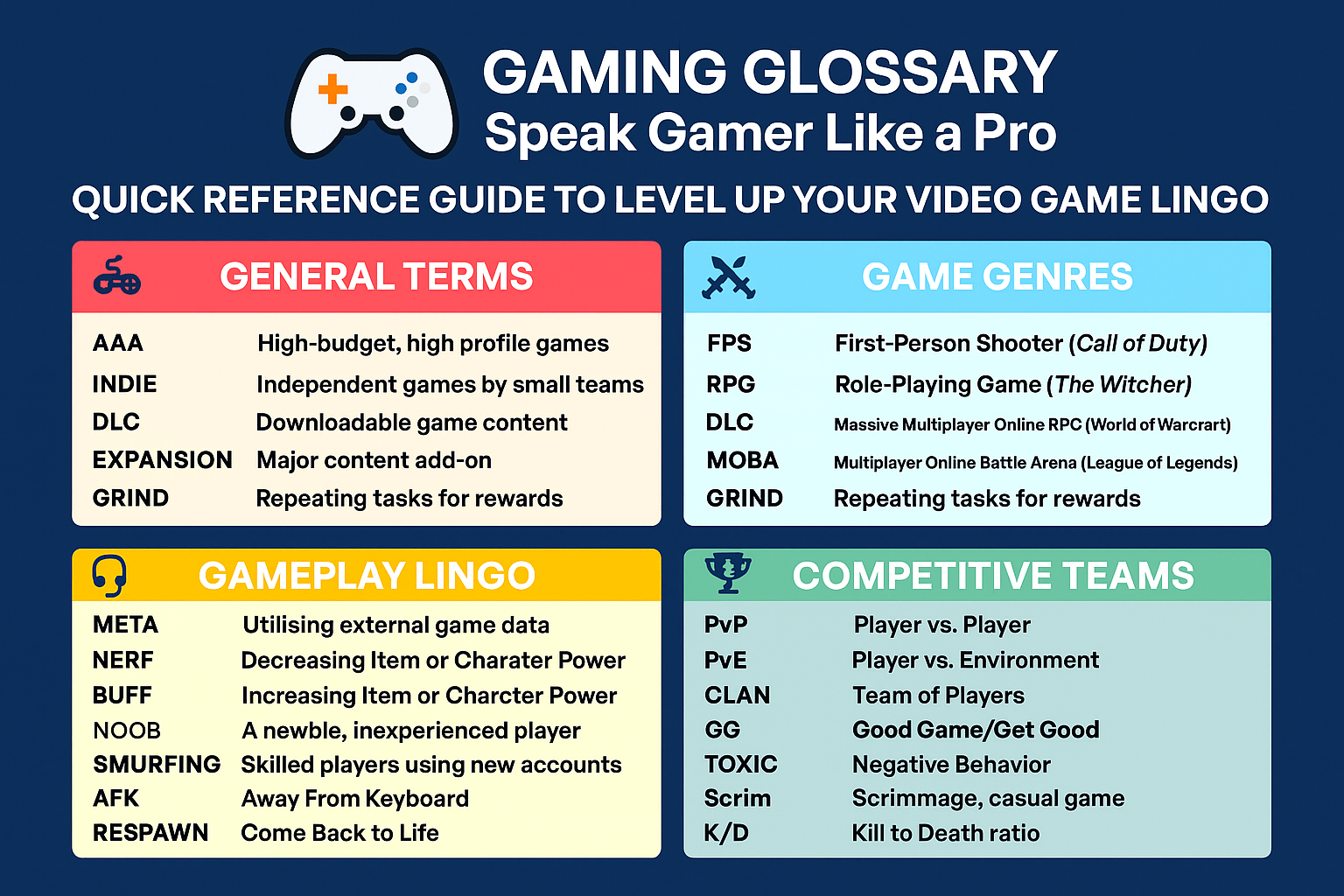
Gaming can look like a whole different language at first, but once you understand these terms, everything starts to make a lot more sense. From FPS and ping to GPUs and the meta, you’re now better equipped to follow conversations, understand performance issues, and even make smarter choices when playing or upgrading your setup.